The ability to send web-based push notifications is now available, and you can create them directly in the CMS.
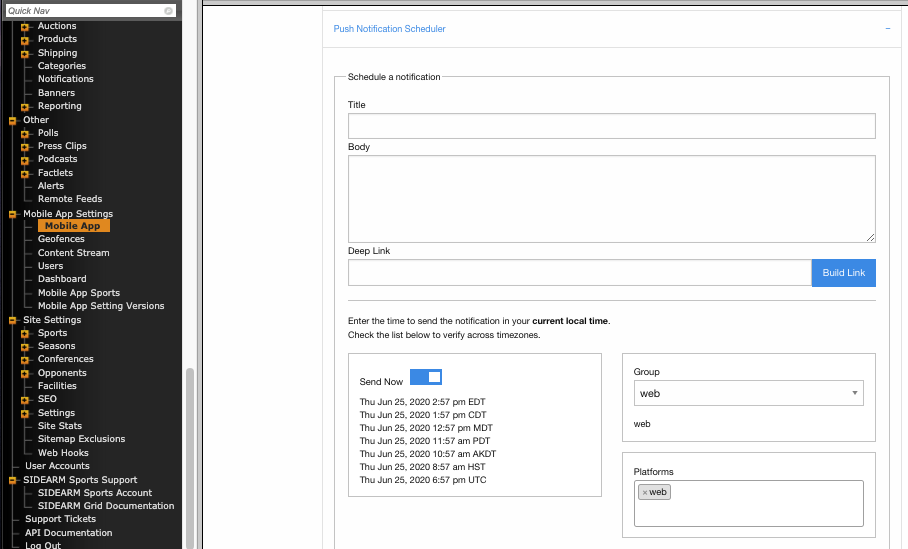
Once the SIDEARM support team enables the feature, you can send notifications by navigating to Mobile App Settings > Mobile App > Push Notification Scheduler. Each notification requires a title and a body. You can also add an optional deep link. From there, choose whether to send the notification immediately or schedule it for a specific date and time.
Finally, select the group and platform. Both should be set to "web".
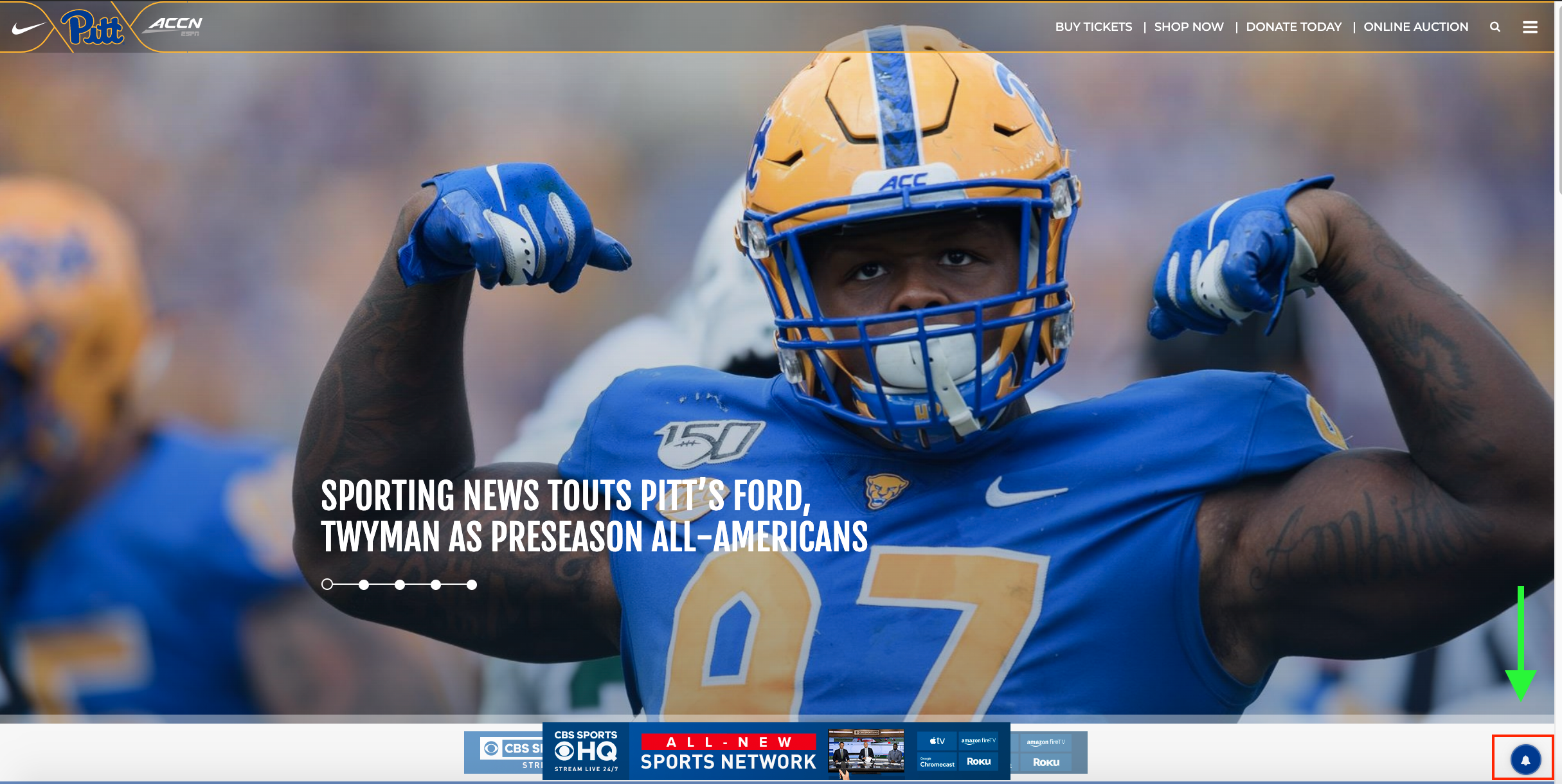
On the frontend, once the feature is enabled, a bell icon will appear in the bottom-right corner of the site. Fans can use it to subscribe to all sports or select specific ones so they receive the notifications they want.
Was this article helpful?
That’s Great!
Thank you for your feedback
Sorry! We couldn't be helpful
Thank you for your feedback
Feedback sent
We appreciate your effort and will try to fix the article