To edit an image into SIDEARM, click on 'Images,' enter your search parameters and click filter.
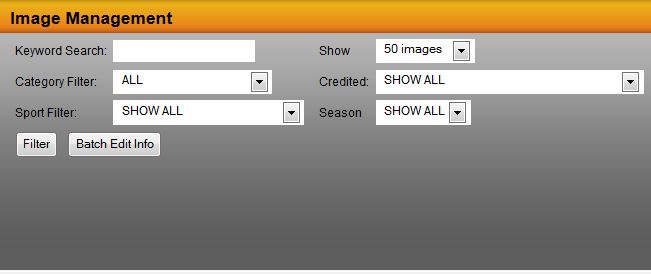
Click on edit for the image you wish to modify and then continue.
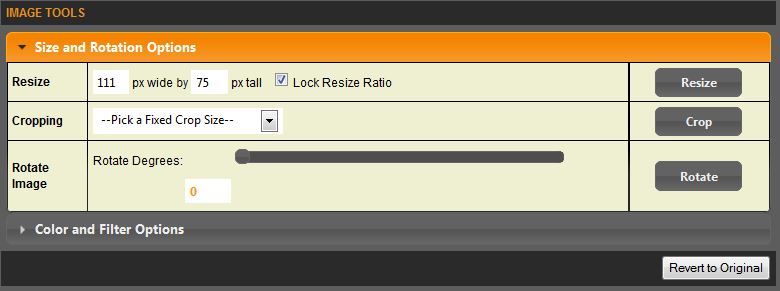
Once there you can use the image tools to size and rotate. You have options to resize, crop (manually or via the fixed cropping tool what will have your primary and head shot image sizes set) and rotate.
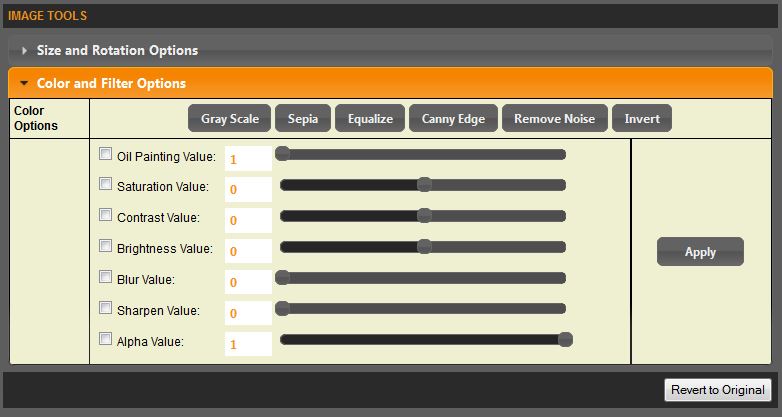
SIDEARM also gives you color and filter options, taking your photo editing software out of the equation.
Once you are down editing the photo, click continue. On the next screen click update.
Was this article helpful?
That’s Great!
Thank you for your feedback
Sorry! We couldn't be helpful
Thank you for your feedback
Feedback sent
We appreciate your effort and will try to fix the article