NOTA Chrome extension walkthrough video
Click below to access the training video
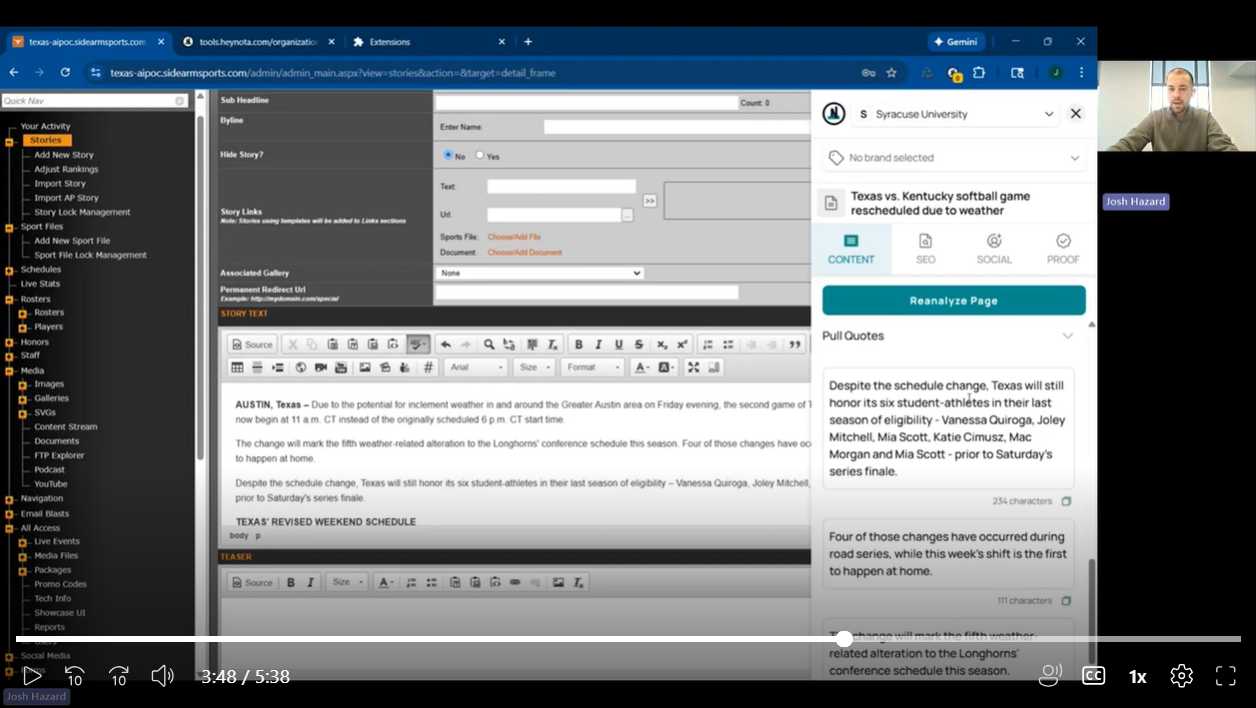
Step by Step
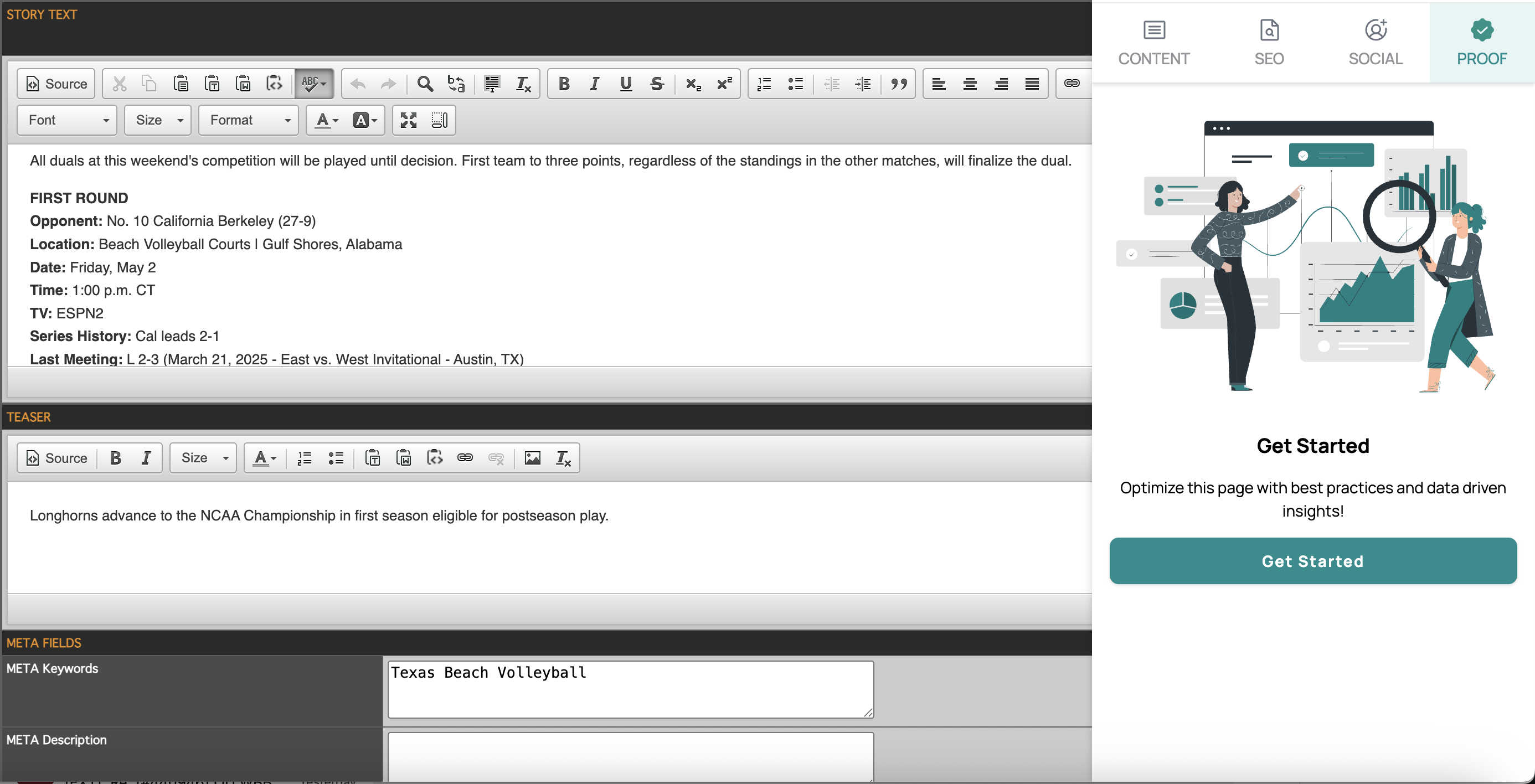
Step 1: Enter 200 characters in the Story Text field and click Analyze Page on the Extension
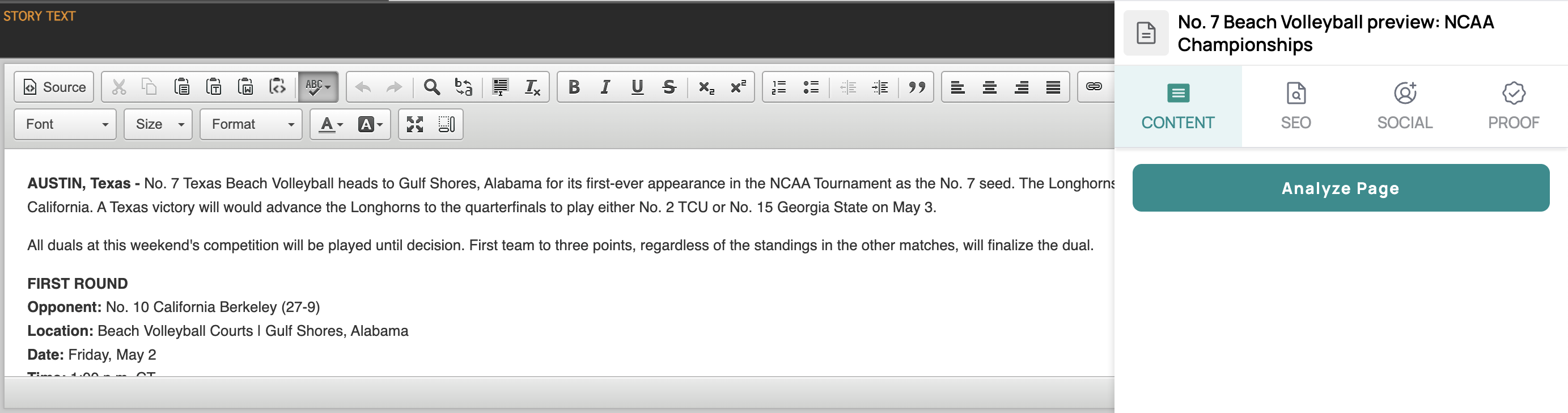
Step 2: Under CONTENT select Headlines output to make changes inline to the Headline field in the CMS
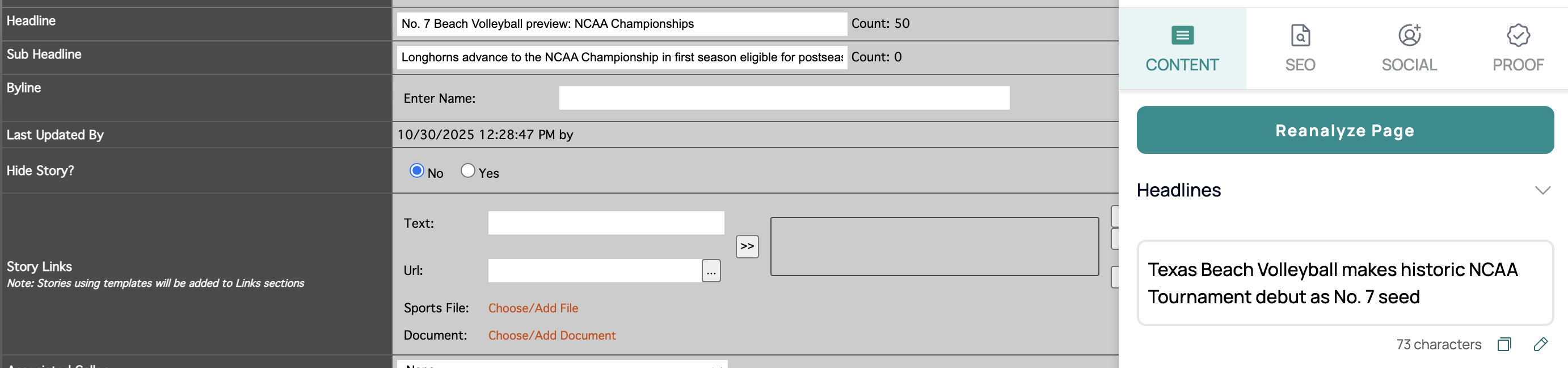
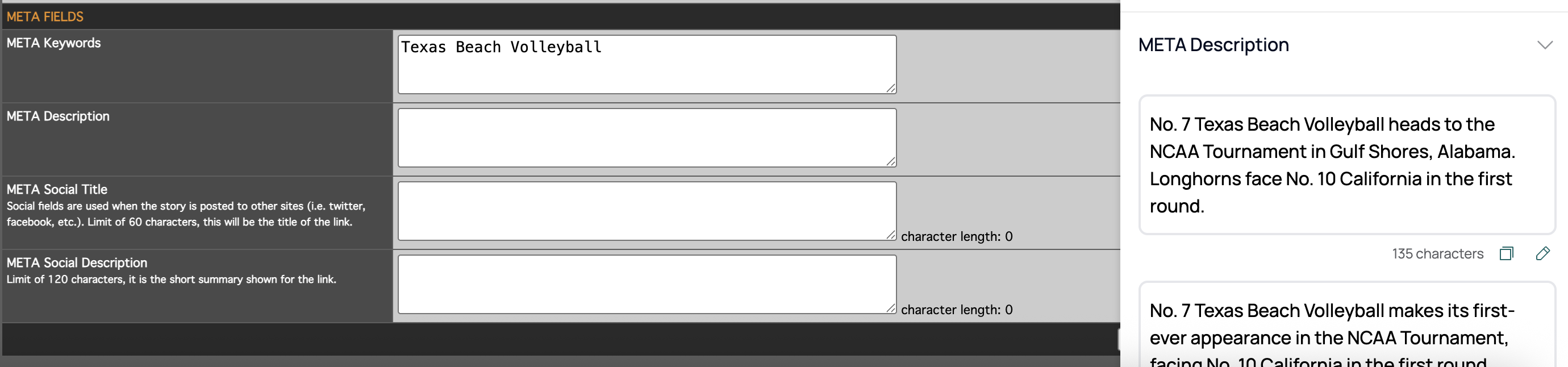
Step 3: Under SEO select META Description, META Social Title, META Social Description, and META Keywords outputs to make changes inline to the META Keywords, META Description, META Social Title, and META Social Description fields in the CMS
Step 4: Under PROOF select Get Started to get insights and analysis on best practices on Content, SEO, and Link Integrity
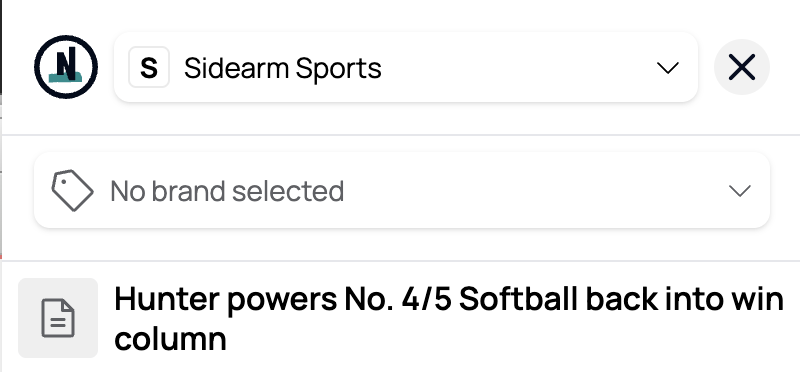
Notes: The Nota AI Chrome extension happens to block the Save and Continue buttons at the bottom of the page. Should operators need to navigate back and forth during the Story creation process, clicking X in the top right corner will minimize the extension.
Was this article helpful?
That’s Great!
Thank you for your feedback
Sorry! We couldn't be helpful
Thank you for your feedback
Feedback sent
We appreciate your effort and will try to fix the article