Step 1: Go to: Chrome Web Store
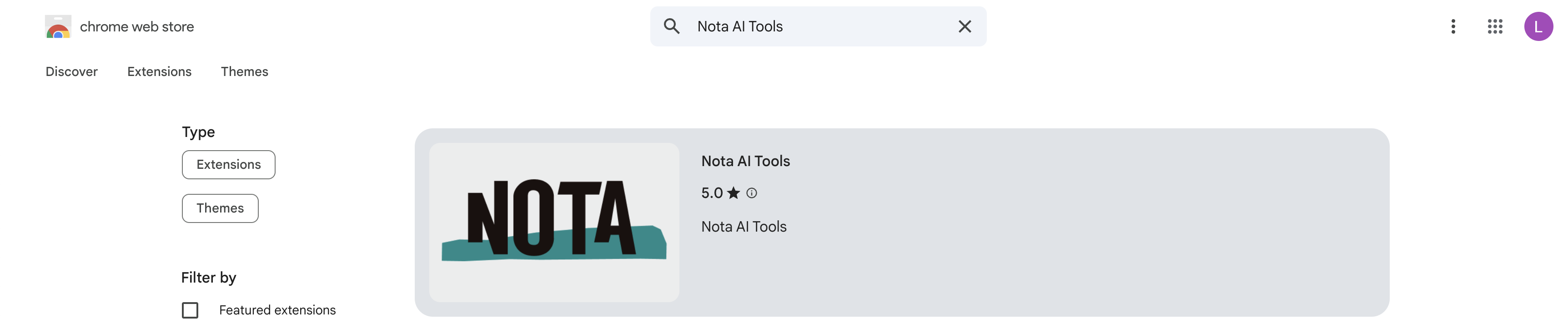
Step 2: Type in Nota AI Tools

Step 3: Click Nota AI Tools
Step 4: Click Add to Chrome
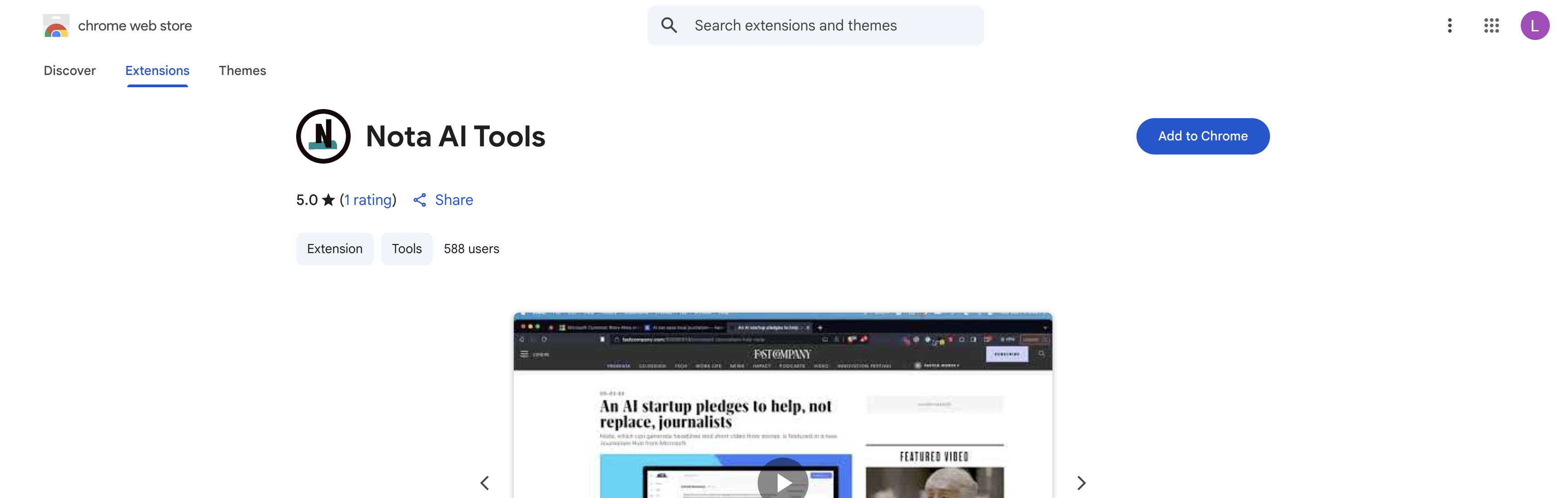
Step 5: Click Add Extension
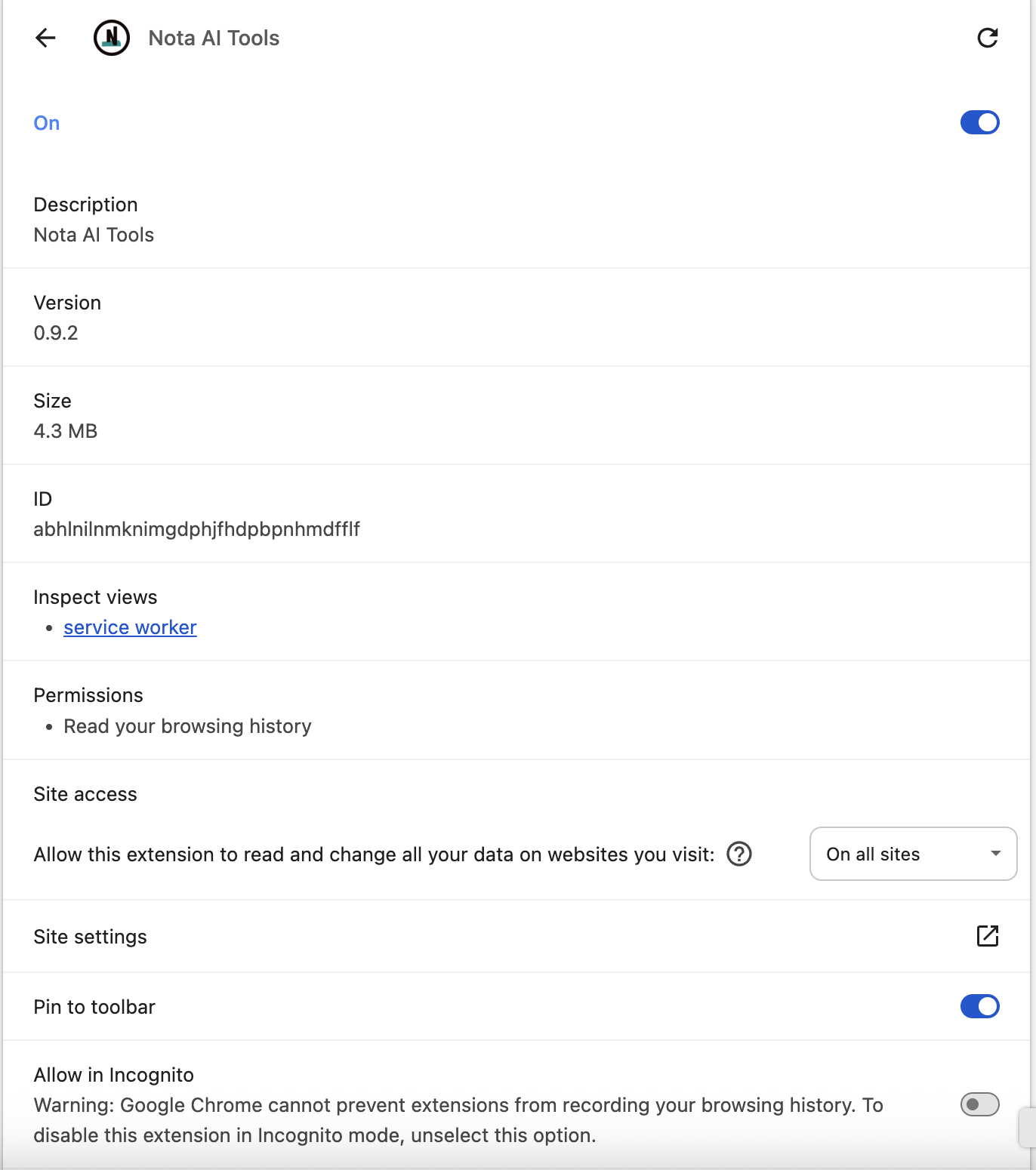
Step 6: Click the puzzle piece, then Manage Extensions

Step 7: Click Details. The extension should be toggled On and pinned to your toolbar
Was this article helpful?
That’s Great!
Thank you for your feedback
Sorry! We couldn't be helpful
Thank you for your feedback
Feedback sent
We appreciate your effort and will try to fix the article