Once your Top-Level Navigation is set, you are able to add links under those top-level items:
Go to Navigation > Main Navigation:
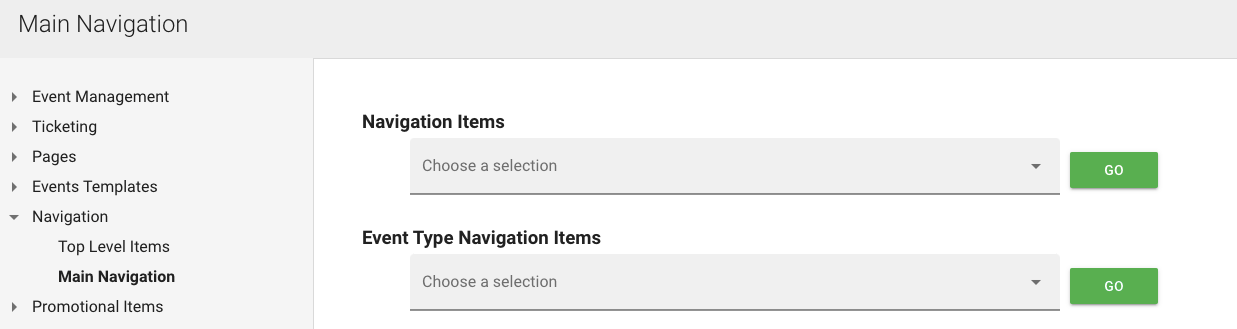
Choose a section, click Actions > Edit to make changes to a specific link or "Add New" to create one:
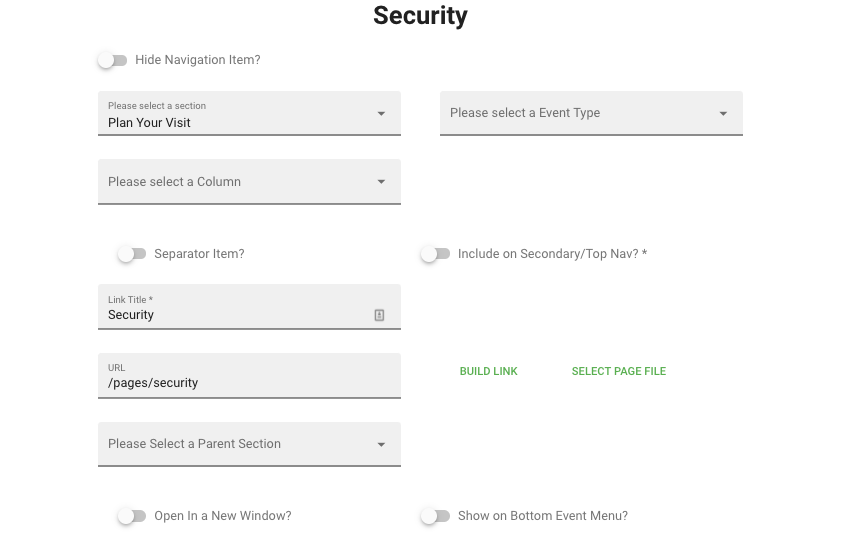
Give item a title and a URL for where it should link to
In addition, if applicable you can set individual navigation per "Event Type" in the back-end:
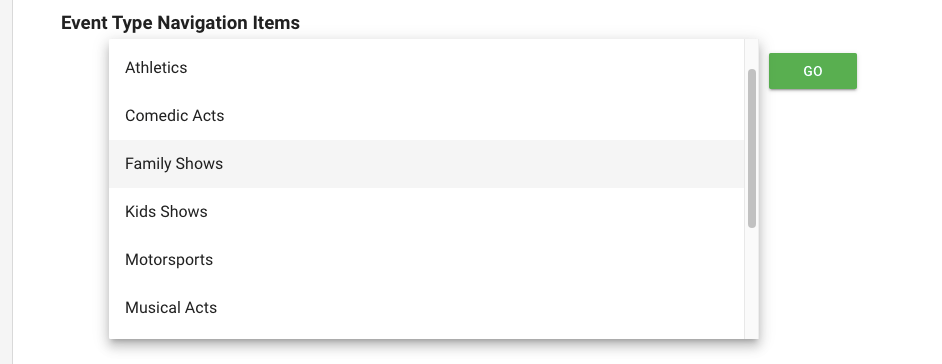
Setting this "Event Navigation" would allow you to link out to specific landing pages per type of event
Was this article helpful?
That’s Great!
Thank you for your feedback
Sorry! We couldn't be helpful
Thank you for your feedback
Feedback sent
We appreciate your effort and will try to fix the article