Note: This is currently only available for use on the Legacy Game Day layout option.
To access the code for the templates seen below, right-click on the link titled download template and choose save link as and then save the file to your machine. You can also choose to click on the link and copy the code in the next screen. To add into a sport file, GameDay, Signing Day or Feature Page , highlight all of the text in the file, copy and then paste this into the source area when you add a custom panel.
NEW - Meet the Teams Template
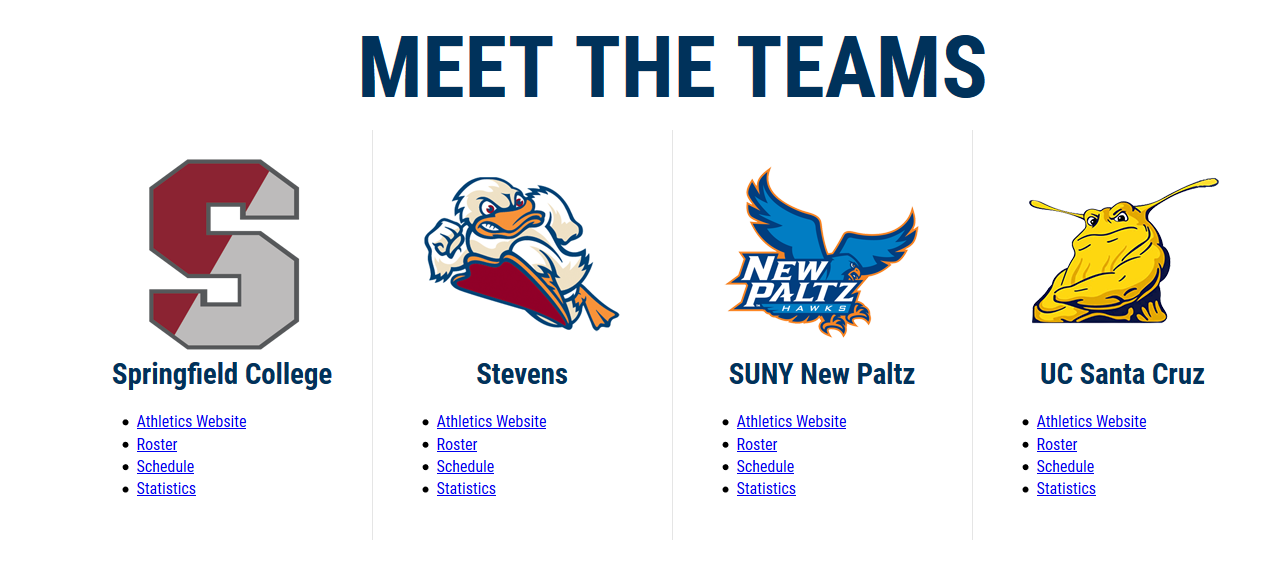
4 Teams Horizontal
Old Table Versions - Not Optimized for Mobile
4 Teams Horizontal

8 Teams Stacked

Was this article helpful?
That’s Great!
Thank you for your feedback
Sorry! We couldn't be helpful
Thank you for your feedback
Feedback sent
We appreciate your effort and will try to fix the article