Using SIDEARM's new XML sharing feature now allows clients to be able to use their own custom Live Stats Links for road games and it gives those clients that utilize SIDEARM Infographics an easier way to use the Live Game Infographics where the host school doesn't even have to push an additional Live Stat Distribution Point.
When playing on the road, simply select your opponent from the XML Share dropdown as long as they are using SIDEARM Live Stats, that file will also populate to your live stats link.
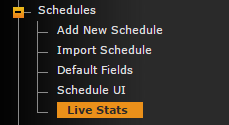
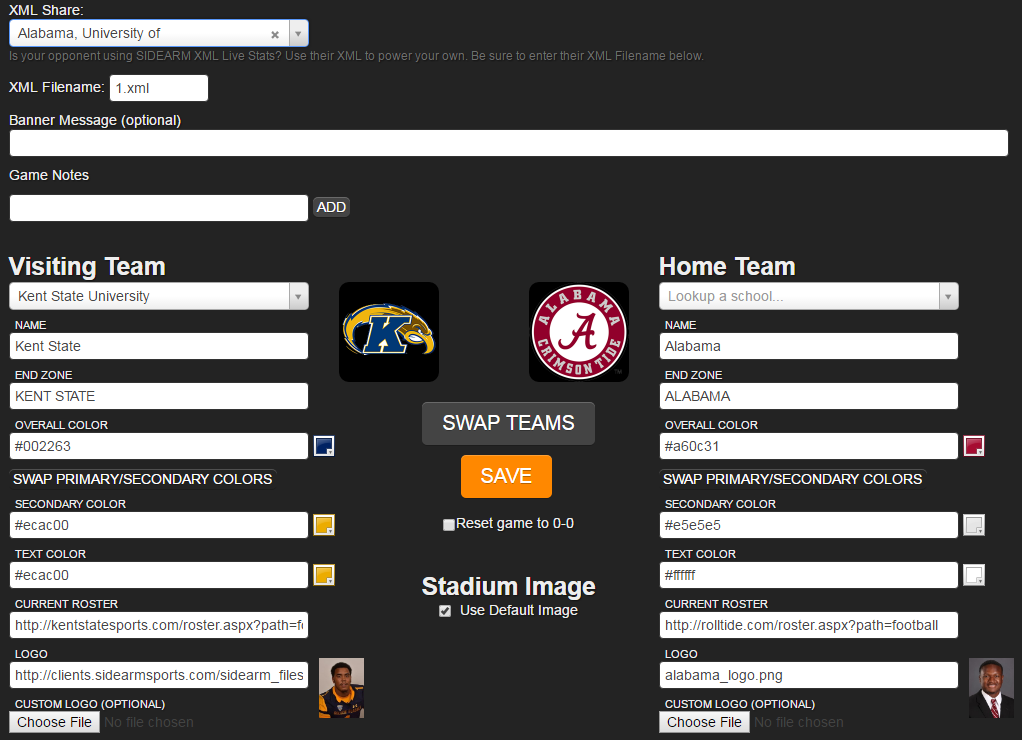
So if Kent State was playing Alabama on the road, they would select Alabama from the XML Share Dropdown and then still be able to use their www.sidearmstats.com/kent/football XML live stats link.
Also, remember that if the home school has altered the XML file name from what we suggest of 1.xml, you can edit it in the live stats control panel as well.
*IMPORTANT* If you are the home team, DO NOT select anything from the XML Share Dropdown.
Was this article helpful?
That’s Great!
Thank you for your feedback
Sorry! We couldn't be helpful
Thank you for your feedback
Feedback sent
We appreciate your effort and will try to fix the article