SIDEARM provides the user full access to adding both new and old seasons for use in the software.
To add a new season, go to Site Settings>Seasons. Once there, click "ADD SEASON" at the top-right.

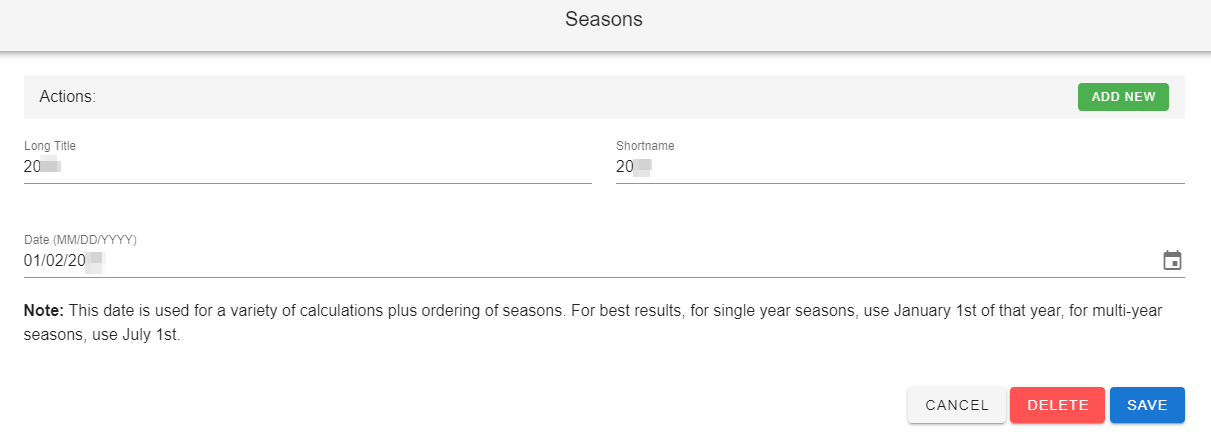
When adding a new season, type the year into the Long Title and Shortname fields then enter the start date.
Was this article helpful?
That’s Great!
Thank you for your feedback
Sorry! We couldn't be helpful
Thank you for your feedback
Feedback sent
We appreciate your effort and will try to fix the article