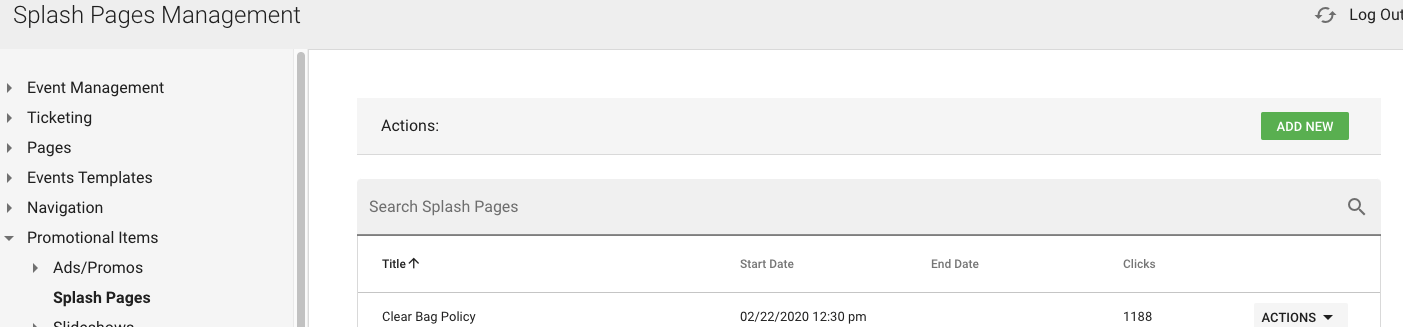
To add a splash takeover page go to Promotional Items > Splash Pages, click Add New:
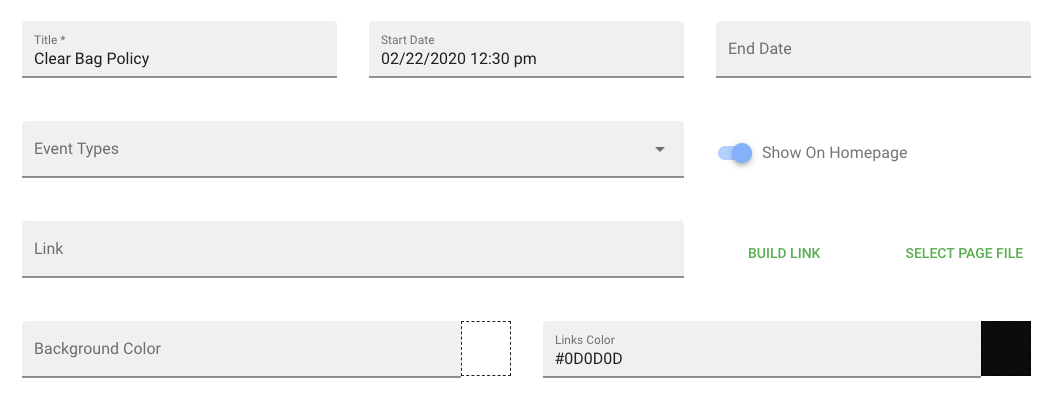
When adding a new splash, be sure to:
1.) Give page a title, start date, and end date
2.) Add URL for where page should link to
3.) Set background and hyperlink colors (automated links are: continue and skip permanently)
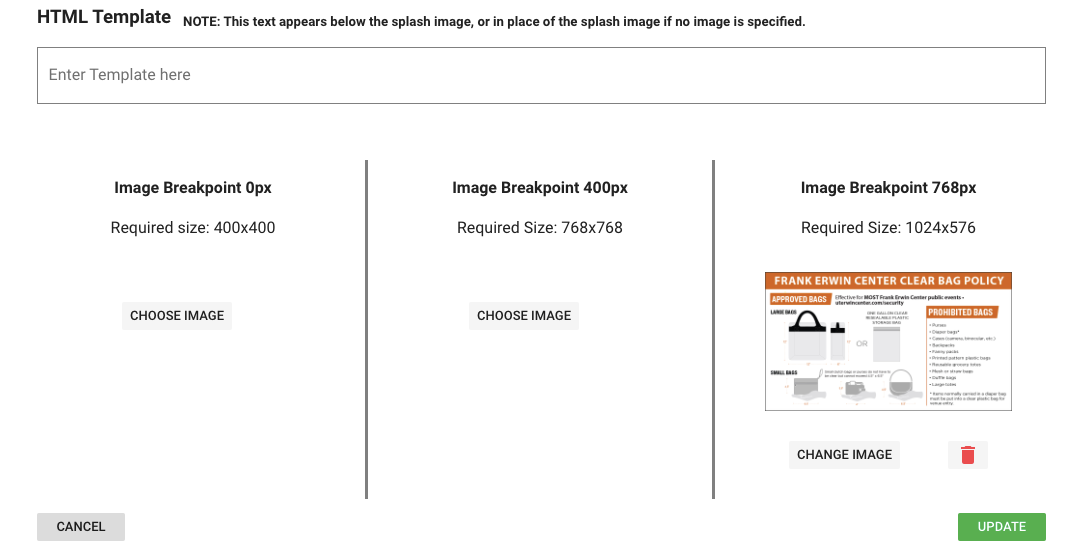
Last, but not least, make sure to set the proper images. Preferably you'll add 3 images, one for each breakdown: desktop, tablet, and mobile (only desktop image is *required*)
Keep in mind, splash pages are cached takeover pages so users will see them once upon site entry and then wouldn't see them again for at least 10-15 minutes after cache has cleared.
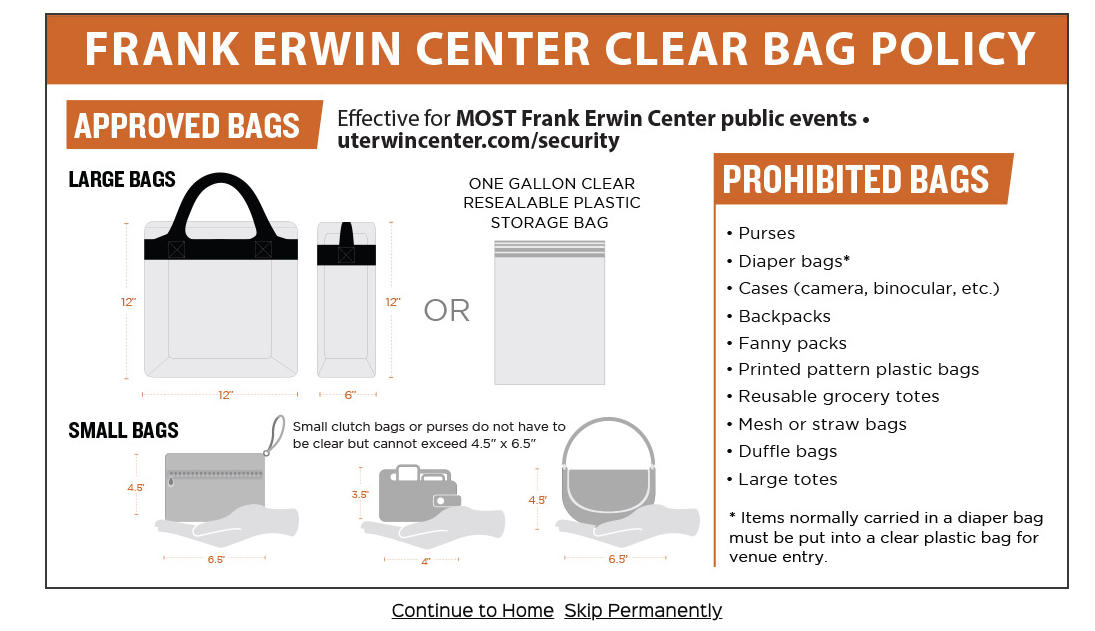
Front-End Sample:
Was this article helpful?
That’s Great!
Thank you for your feedback
Sorry! We couldn't be helpful
Thank you for your feedback
Feedback sent
We appreciate your effort and will try to fix the article