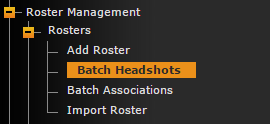
The batch headshot features allows users to associate an entire roster's headshots from one page on the back-end.
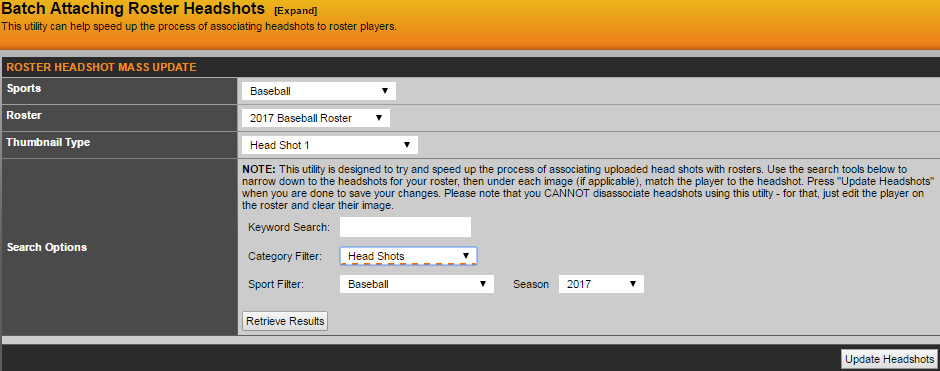
After you fill out the above results, click 'Retrieve Results'
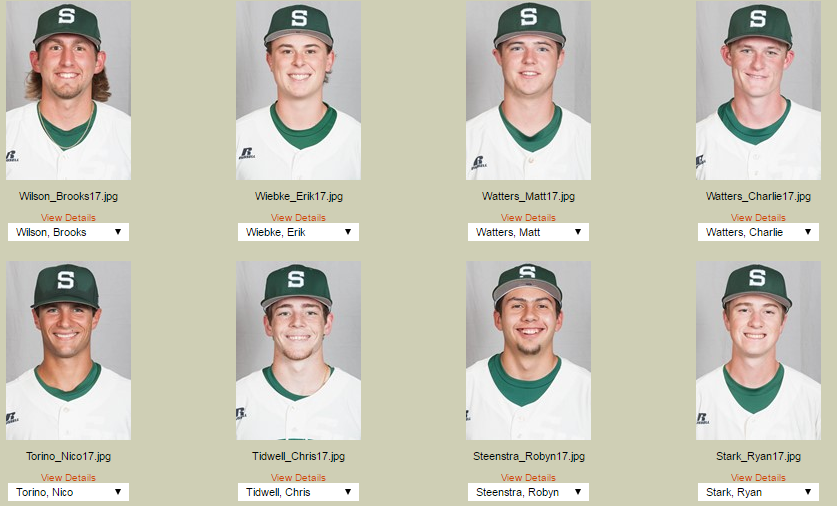
The last piece will be to associate the image with the correct player from the roster that is produced from the drop down.
*IMPORTANT* To make this process simplified, label the images by the lastname_firstname of the players and everything will go in order.
Was this article helpful?
That’s Great!
Thank you for your feedback
Sorry! We couldn't be helpful
Thank you for your feedback
Feedback sent
We appreciate your effort and will try to fix the article