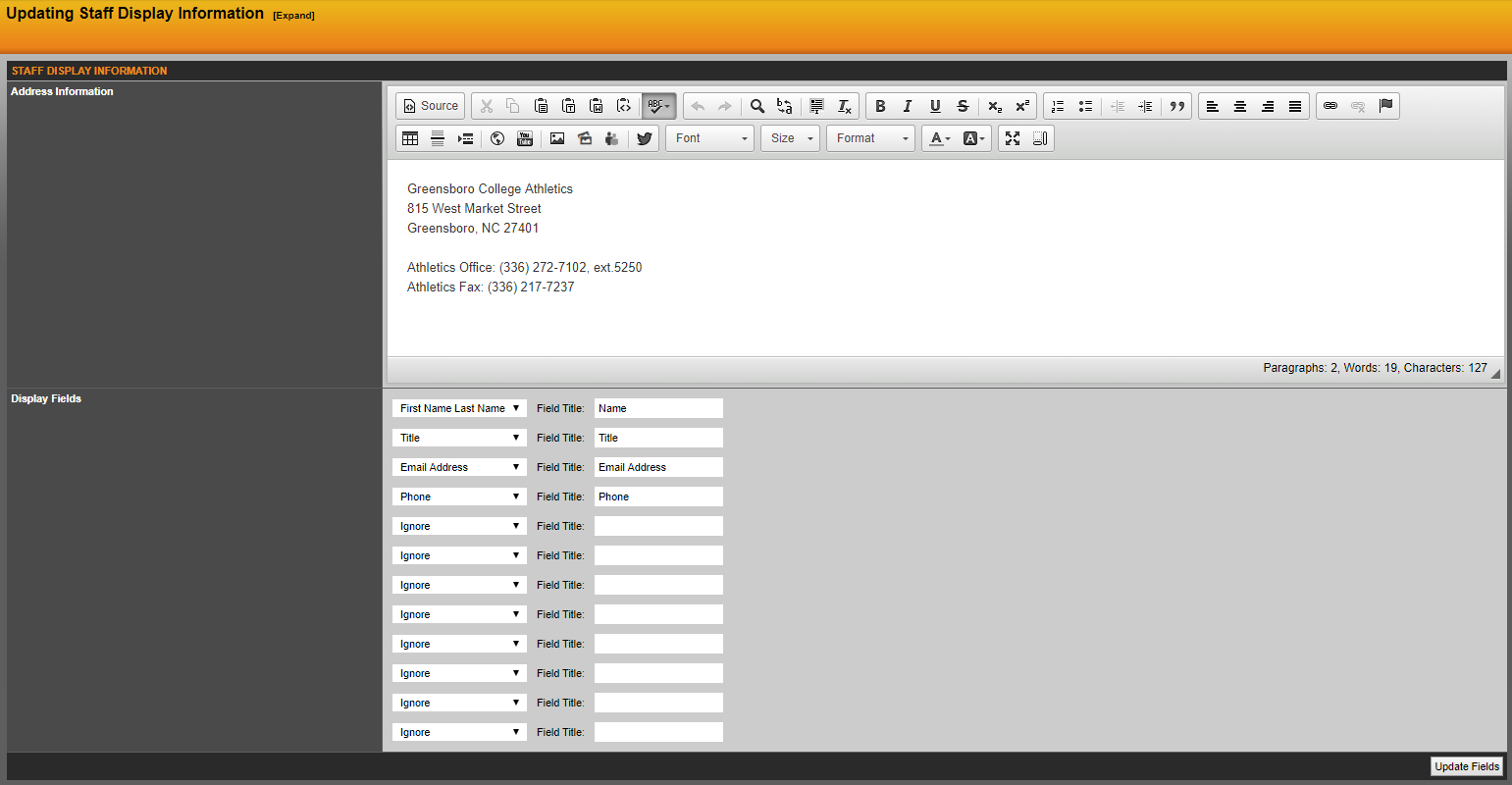
You can update the staff display fields information by clicking on the Staff Display option under the Staff menu in the sidebar. You also have the option of giving the display fields a customized title and you can rearrange the display fields by selecting the fields from the drop-down lists and clicking on the Update Fields button on the bottom right of the window.
Any text or images you enter into the address information will appear at the top of your staff directory.
Was this article helpful?
That’s Great!
Thank you for your feedback
Sorry! We couldn't be helpful
Thank you for your feedback
Feedback sent
We appreciate your effort and will try to fix the article