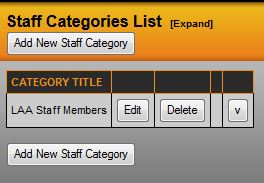
Select Staff Categories from the Staff menu. Select Add New Staff Category located at the top and bottom of the staff categories list. You will then be prompted to enter in the staff category title. Once you have entered the title, click Save Changes and you will be brought back to the staff categories list. You can rank the categories by using the arrow keys to the right of the edit and delete buttons on the staff categories page.
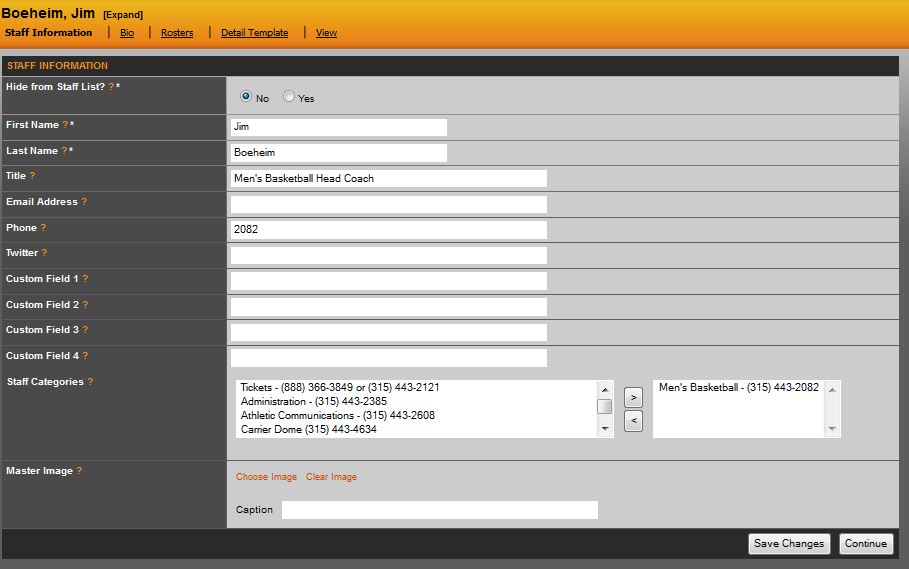
Return to the staff directory page and either create a new staff member or edit each existing staff member to assign them to the appropriate category(ies).
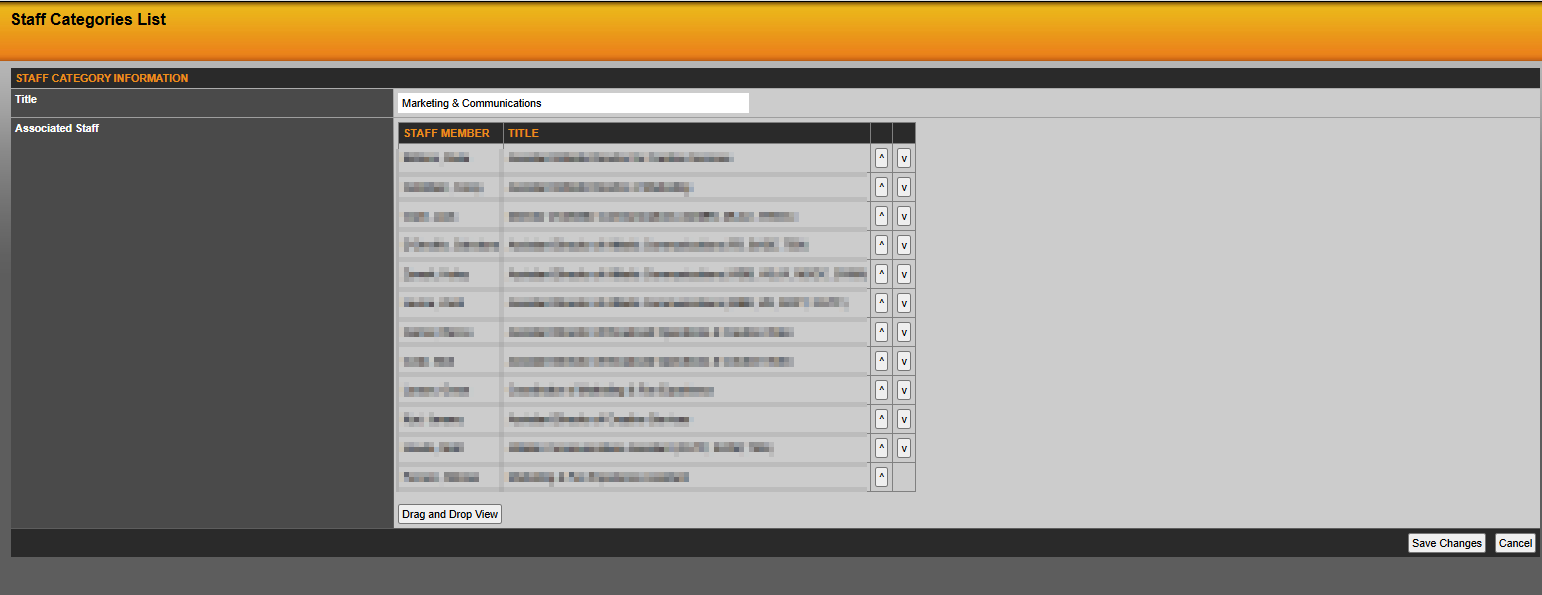
To edit the rank of staff and coaches within each category, return to the staff categories page and select Edit. Drag and drop the individuals within the particular category or use the arrow to the right to rearrange. When you have finished ranking, select Save Changes.
Was this article helpful?
That’s Great!
Thank you for your feedback
Sorry! We couldn't be helpful
Thank you for your feedback
Feedback sent
We appreciate your effort and will try to fix the article